
Longform: outlines, scene beats, and prose
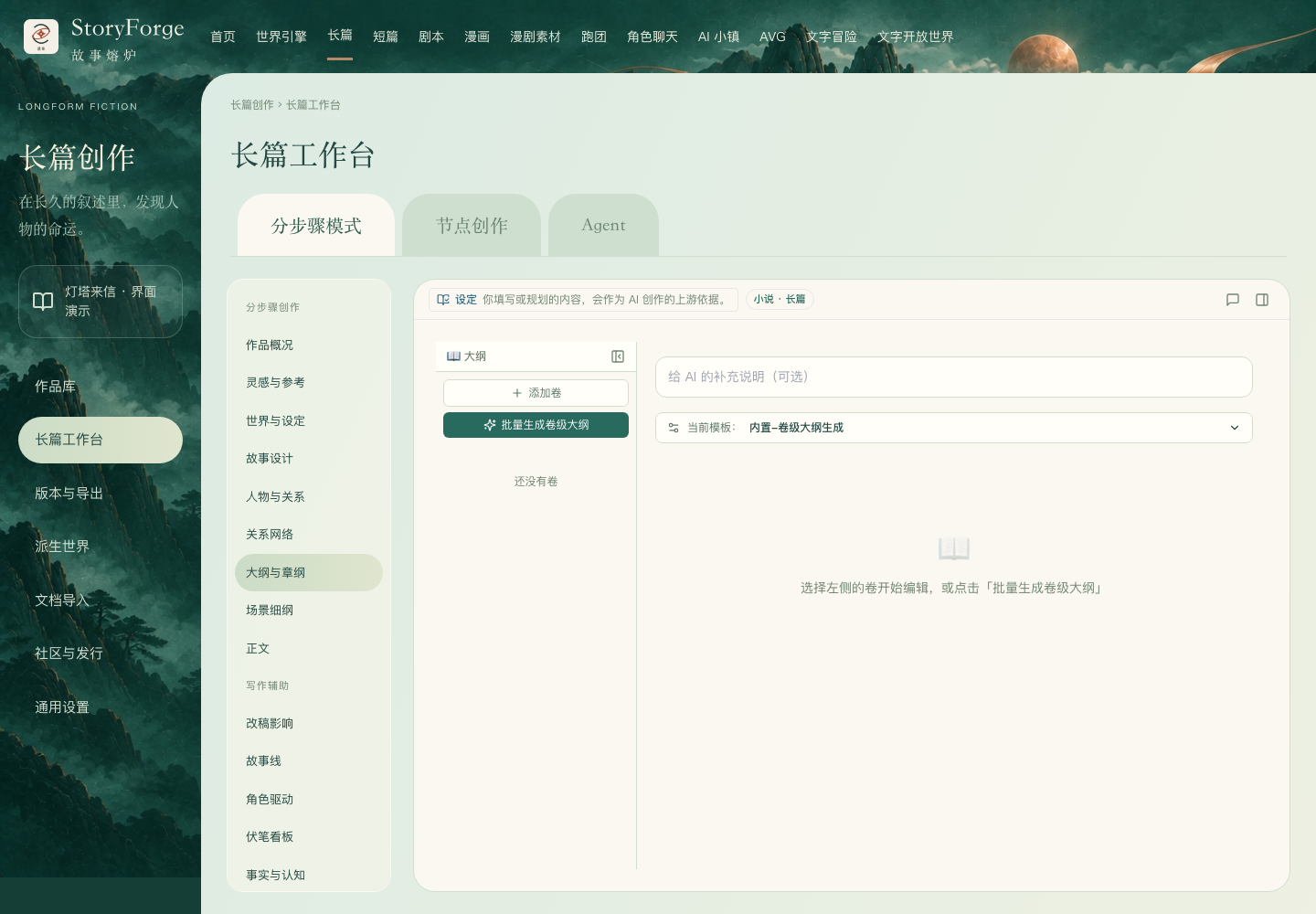
Three levels
| Level | Question | Recommended content |
|---|---|---|
| Volume and chapter plans | How does the story progress? | Volume goal, chapter events, turns, and continuity |
| Scene beats | How does this chapter unfold? | Character actions, conflict, scene changes, and exit state |
| Prose | What does the reader actually read? | Narration, action, dialogue, and concrete detail |
Recommended sequence
- Select a volume or chapter in Outline and chapter plans (大纲与章纲); establish the current level.
- Write or generate outline candidates; check continuity with completed content before confirming.
- In Scene beats (场景细纲), check characters, locations, conflicts, turns, and the chapter ending.
- In Prose (正文), select the correct chapter; inspect this round's requirements and visible generation evidence.
- Review the candidate, edit unsuitable passages, then confirm writing it back.
- Check the actual prose and save state, then perform post-chapter review.
Continuation and rewriting
Continuation should follow the existing ending; polishing focuses on expression; rewriting may change events and characterization. Define the scope before calling AI, and keep the original or a version record.
If important facts change, do not judge only the revised passage's fluency. Check effects on later chapter plans, foreshadowing, and character states.
After outline changes
After moving or editing chapters, check order, prose correspondence, foreshadowing links, and the story timeline. Existing prose is important evidence; regenerating an outline should not make you disregard the story already written.
Why generation was not saved directly
Formal AI results usually require candidate confirmation. The end of streaming only means generation ended; adoption determines whether content became official. If a result fails or becomes stale, preserve usable text and read the reason first.
Details: AI candidates and recovery · Export and delivery.
Scene generation has ended but the candidate is still being saved
After “Split into scenes” or “Improve scene outline” stops streaming, the interface may still say that it is validating and saving the candidate or establishing a recoverable candidate. Wait: editing, adoption, dismissal, and retry are not yet available. Review and confirm only after the candidate is successfully saved. Fully displayed text is not a save acknowledgment that makes it safe to close the page.
This waiting-state protection entered main on October 5, 2026 through PR #107. It does not adopt the candidate for you.
Saving, dragging, and switching chapters
Work-information and story-core editors preserve the current draft; use the displayed save action and verify persisted content. Dragging a chapter near a list edge scrolls the list. Check ownership after moving between volumes. When switching chapters quickly, generation status and recoverable candidates should match the current target, not the previous chapter.
Read streaming output progressively. Edit prose candidates before adoption while retaining revision evidence. Generation, adoption, and persistence are separate states; check the save acknowledgment before leaving or refreshing.
The October 4 mainline fix corrects cases where existing material was incorrectly reported as a missing mandatory resource, and reduces false conflicts between events that can coexist. Actual missing information and conflicting states still require attention; do not delete facts to bypass a block.